Google Chrome
Safe, fast, and reliable browsing with Google Chrome

Safe & Secure
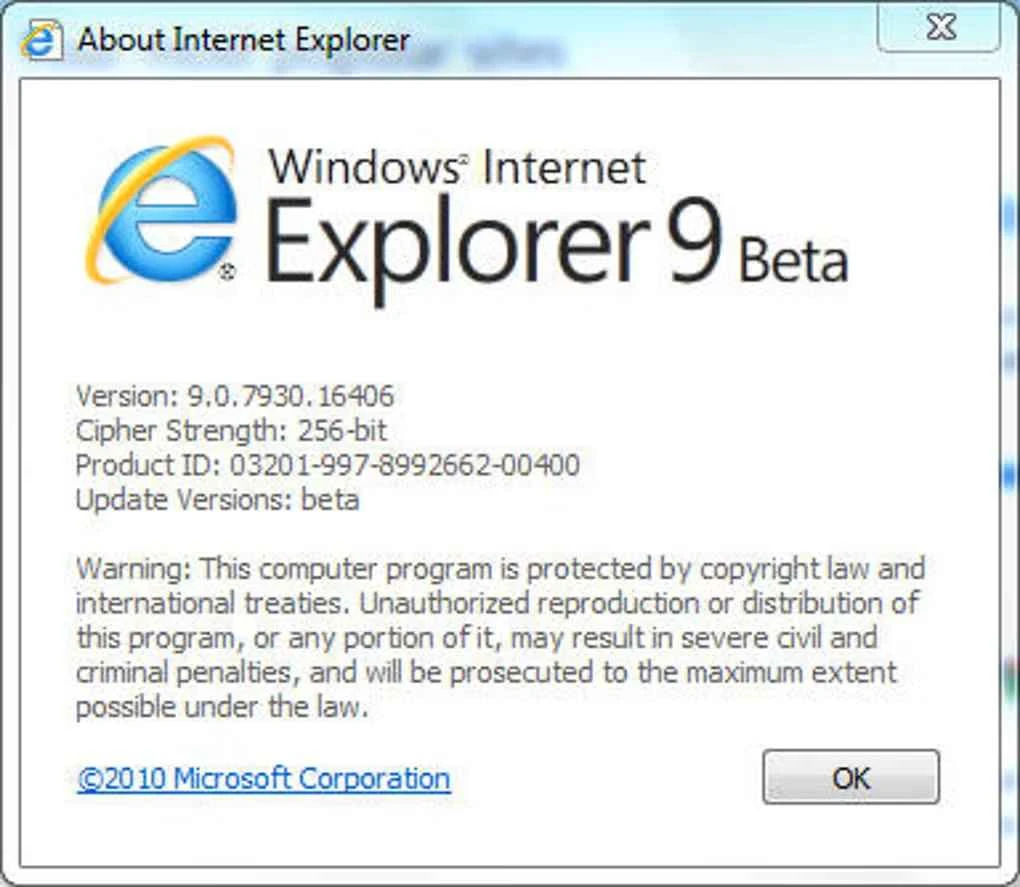
Internet Explorer 9 is a comprehensive, free-to-use internet browser, developed by Microsoft, especially for Windows Vista and Windows 7 computers, along with both 32-bit and 64-bit operating systems. The addition of multiple new features enables the run more reliably and smoothly, such as improved speed, private mode, tab management, and so on.
Microsoft replaced Internet Explorer with Microsoft Edge in 2015, so there isn’t support available for Windows 10, Windows 8, and Windows 11. However, you will find multiple updates to improve your browsing experience.
Internet Explorer 9, developed by Microsoft, falls under the Web Browser category and is available under a proprietary license. It supports only Windows 7 and Windows Vista and includes fresh functionality to run efficiently on old machines. However, the parent company has discontinued official support for IE 9.
The app, with new looks, graphics, and hardware acceleration, offers fiercer competition in the browser market, as support for the JavaScript engine and robust rendering lead it to be one of the best and fastest web browsers.
Internet Explorer has a clean interface with a clean and cool look that offers a significantly larger browsing space, as compared to its predecessors. It has the slimmest new frame, gathering all features in a few buttons. The navigation is simplified, allowing users to navigate the entire functionality easily. The main content is housed in the command line, and on the left side, the standard backward and forward buttons are available. Along the URL bar, multiple icons are placed, including search, refresh, and stop. You can search pages by expanding the dropdown menu next to the magnifying glass.
The integration of a new tab management system is available on the right of the location bar, enabling users to manage multiple open apps simultaneously. There is also a dedicated tab for displaying the name and logo of the app next to the ‘X’ button. Simply click on the space next to the active website in the command line, and ‘New Tab’ will be expanded in the square. The most popular websites are kept on the page and open automatically. In case of not loading website pages, simply refresh the content by clicking the arrow button next to the magnifying glass. To exit the webpage, you need only to click the ‘X’ button.
The app offers main functionality through three icons available on the right side of the command bar, such as;
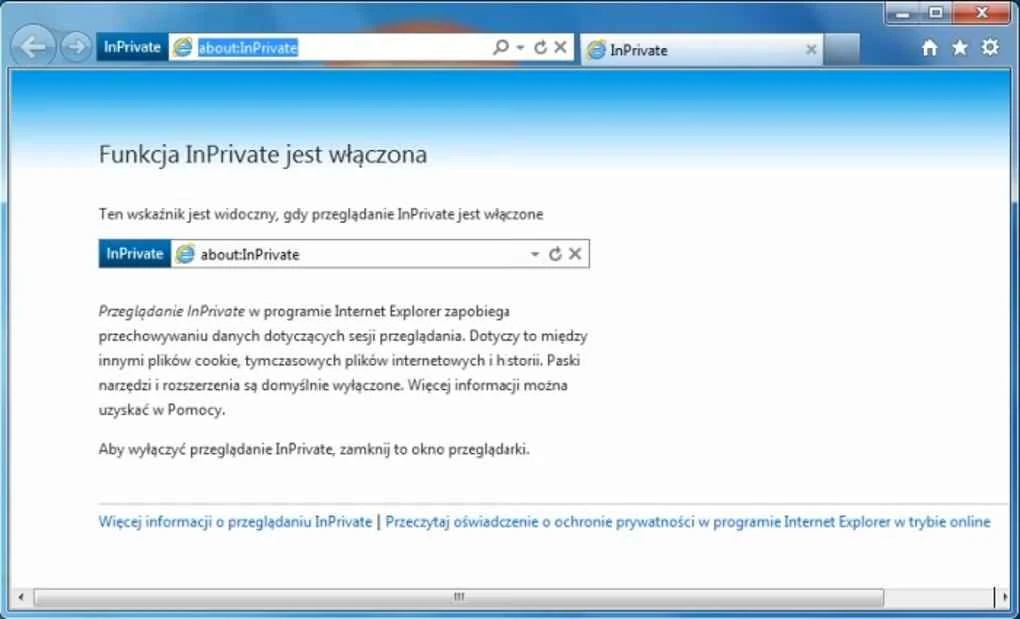
The app is embedded with new InPrivate technology, offering private browsing with 100% assurance that none of your visited sites will be stored in your browsing history, and no cookie information will be saved. It supports multiple advanced tools, enabling users to personalize the privacy settings and allow the sharing of personal data with certain sites.
The app offers stunning graphic capabilities, ensuring a smooth web browsing experience with more responsive websites, true colors, and high-definition videos. Swapping tabs is possible through a drag-and-drop option, viewing thumbnails of recently visited websites when opening a new tab, and even reopening closed tabs and the last session as well.
It is another significant feature for preventing malicious advertisements, social threats, suspicious e-banking operations, and so on. The innovative advanced functionality protects user privacy, avoiding trackers and other malicious threats. A built-in Download Manager is integrated into the app, managing the downloaded files and scanning for suspicious content.
No doubt, this part of the app is weak, but with the IE9 version, you will find a smart number of plugins for optimizing your productivity. You can view used resources by various plugins in real-time, using the extension performance center. In case of slow performance, it is possible to remove plugins from the software.
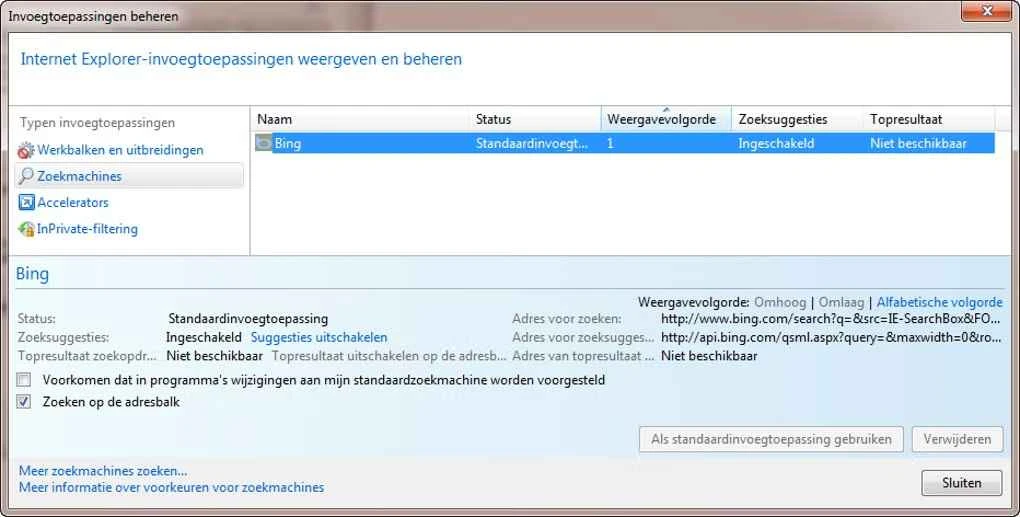
The language settings are also customizable, allowing users to change the language settings when opening the website to their desired language. It is the best option, specifically for users who are used to traveling to different countries, or simply want to open the browser in their own language. The app supports 90+ languages to enable users to select any during the installation process. It is also possible to change the default search engine to another according to their preferences.
Pros
Cons

Safe, fast, and reliable browsing with Google Chrome

Opera offers the best browsing functionalities including built-in VPN, ad-blocker, and Turbo mode.

Fast Browsing with offering Cutting-edge Security and Speed.

UC Browser for PC, the leading mobile browser now available for PCs

Cent Browser is a Chromium-based browser with seamless browsing online

Firefox can display a large number of pages and extra capabilities that can help you online very fast.